
Loved by creators in 35 countries
The unlimited clipping tool.
Long videos in, viral clips out.
Paste a link or upload a video. AI finds the best moments, frames them vertical and adds captions.
Three steps to a week of clips
One 8-minute interview in, six scored clips out. No timeline, no editing.
Drop your video here, or browse files
Up to 180 minutes and 4 GB
1Upload or paste a link
Any video up to 180 minutes, or a YouTube, Twitch or Kick link.
2AI finds the best moments
Each clip is cut on whole sentences and scored for virality.

3Download vertical clips
Captions burned in. Full screen, or Framed with your logo.
You clip other people's long-form and get paid on views.
Unlimited runs means volume: clip every drop the same day it lands.
The score tells you which cut to post first instead of guessing.
No watermark on Pro, so clips look native on every account you run.
Flat €20 stays flat in a heavy month. Your margin doesn't shrink.
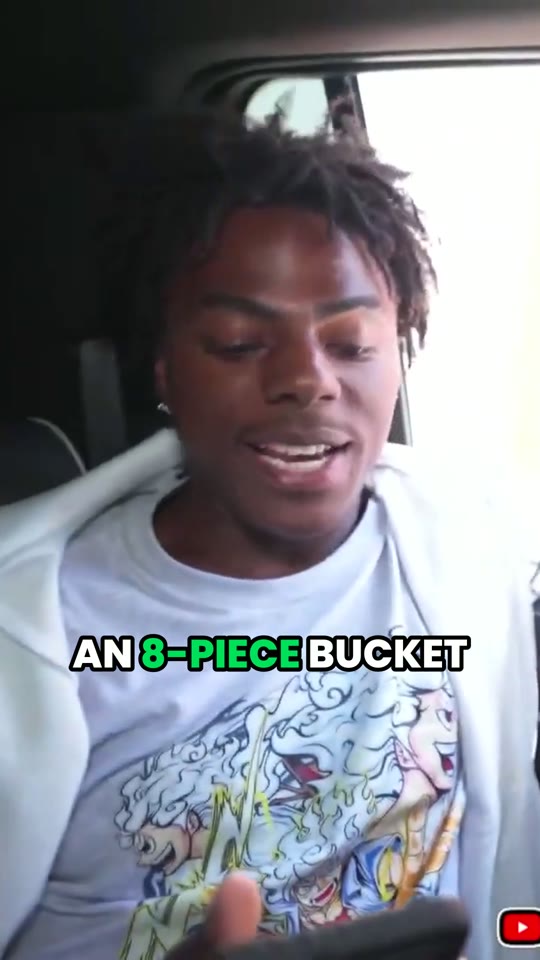
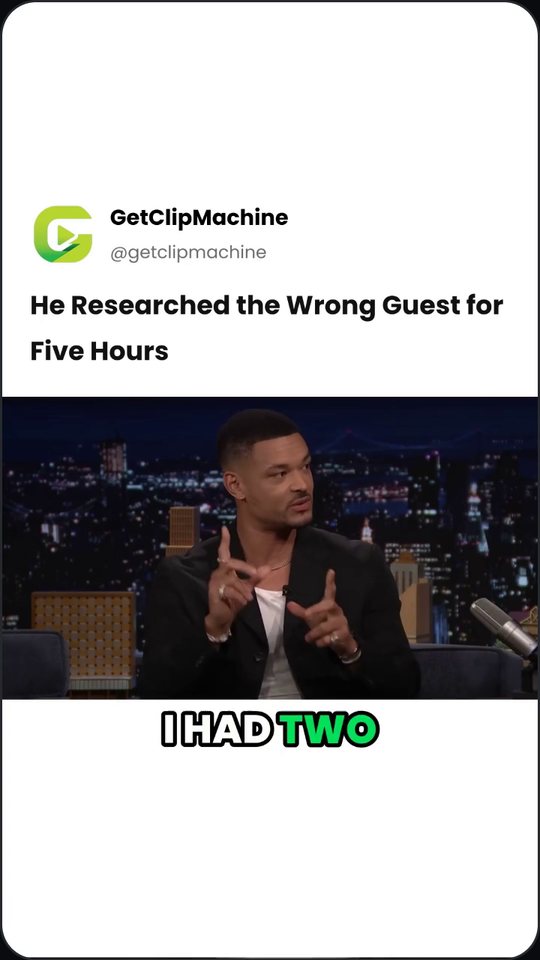
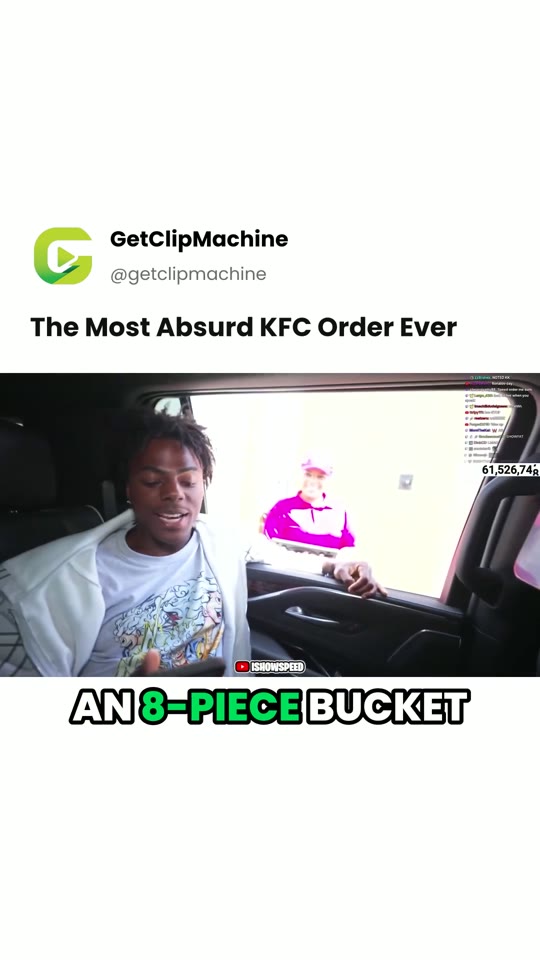 Hover to see it FramedTap to see it Framed
Full screen, or Framed with your logo.
Full screen crops to 9:16 and follows the speaker. Framed keeps the whole video and puts your logo, name and a headline above it. Pick per video, change per clip.
One long video in. A week of posts out.
This is a real job: an 8-minute interview, six clips, every one cut on whole sentences and scored.
1 video · transcribed, scored, cut
6 clips from one video, in about 7 minutes, with nothing edited by hand.
One job. Done properly.
GetClipMachine isn't an all-in-one studio. It doesn't generate video, it isn't a timeline editor, and there's no asset library to get lost in. It finds the moment, cuts it vertical, burns the captions, and scores it. That's the product.
- Generate AI video
- Timeline editing
- Stock libraries
- Scheduling & analytics suites
- Upsell you mid-month
- Picking the right moment to cut
- Captions that look native, not stock
- Reframe that keeps the face centered
- A score you can actually trust
- Volume, at a price that never moves
Your logo on every clip
Choose Framed and each clip becomes a post: your logo, name and @handle, a headline, and the whole video underneath. Set your brand up once.
- Full screen or Framed, for each video and each clip
- Edit a clip's headline and it renders again
- On every plan. Pro removes our watermark.
Captions in your colours
Pick the colour of your captions, the colour of the word being spoken, and the size. Your clips look like yours, not like everyone else's.
- A colour for the text and one for the word being spoken
- Small, Medium or Large, and always on one line
- Set it once: every new clip uses it, in both layouts. Every plan.
Everyone else meters you. We don't.
One flat price for as many videos and minutes as you want. The bill never moves.
Credits run out on day 19. You buy more, or you stop posting. Either way, the meter decides how much you ship.
One flat €20. Clip a 3-hour VOD every single day for a month and the invoice is identical. No tiers, no overage, no upgrade prompt at the worst moment.
Trendy auto-captions
Word-by-word and burned in on every clip, included. Not an upsell.
Speaker-aware reframe
Landscape to 9:16 with the talking head kept centered, shot to shot.
Why this works
Each clip comes with the reason it was picked and the transcript behind it.
Spec by spec
Clip makers for streams and podcasts
How it works for the videos you actually make, and how the flat price compares.
- Kick clip makerPaste a Kick VOD link, get captioned vertical clips. VODs up to 3 hours on Pro.
- Twitch clip makerTurn a Twitch VOD into Shorts, TikToks and Reels. Gameplay shown whole, not cropped.
- Podcast clip makerA full episode in, up to 12 clips out, with captions that follow the speaker.
- AI clip maker with no creditsOne flat price for unlimited videos. What that means against credit plans.
- Best AI clip makers with no creditsWhich tools charge a flat price and which meter you, with each plan side by side.
- What credits really costThe arithmetic of credit plans for long streams and weekly podcasts.
- GetClipMachine vs Opus ClipFlat price against processing credits, and where each one fits.
- All comparisonsStreamLadder, Eklipse, Submagic, Vizard, Klap and more, checked against their own pricing pages.
Questions, answered
What makes GetClipMachine different from other AI clip tools?
No credit system. Most AI clip makers charge by upload minutes, so heavy posters run into a meter and get pushed to upgrade. GetClipMachine charges one flat monthly price for unlimited videos and unlimited upload minutes. Clip a 3-hour podcast every day and the price never changes.
Can I edit the clips inside the app?
No, and that's deliberate. You get a finished vertical clip with captions and a score. If you want to tweak it further, take it into CapCut or your usual editor. Most people don't need to.
Is there a free version?
Yes. The free plan lets you clip 3 videos a month, with auto-captions and reframing included. Free exports carry a small GetClipMachine watermark. Upgrade to Pro whenever you want unlimited videos and no watermark.
What kinds of videos can I clip?
Podcasts, livestreams, Twitch VODs, webinars, interviews, and any long-form talking video up to 180 minutes long (6 hours on Max) and 4 GB in size. Upload a file or paste a link.
Is there a limit on video length or file size?
Yes. On Free each video can be up to 45 minutes long; on Pro up to 180 minutes; on Max up to 6 hours. Every plan takes files up to 4 GB. That applies to uploads and to pasted links (YouTube, Twitch, Kick, Vimeo). A video over either limit is refused before processing starts, with the reason shown, and it never counts against a free account's monthly videos. Trim or compress anything larger and try again, or upgrade for the longer limit.
Can it clip a 3-hour or 6-hour Twitch, Kick or YouTube stream?
Yes. Paste the VOD link from Twitch, Kick or YouTube, or upload the file. Pro clips videos up to 3 hours (180 minutes) and Max up to 6 hours, for one flat monthly price with no minutes to count. If a link is longer than your plan covers, we clip the part it does cover, starting at the link's timestamp (for example ?t=1h20m) if it has one, so you can point it at the stretch you want. The Free plan takes videos up to 45 minutes.
Which platforms are the clips made for?
Every clip is exported as vertical 9:16, auto-captioned and reframed to keep the speaker centered. Ready to post to TikTok, Instagram Reels, and YouTube Shorts.
Do clips come with captions and reframing?
Yes, on every plan. Every clip gets trendy, word-by-word auto-captions burned in and 9:16 auto-reframe, included free rather than sold as an upsell. You can also turn captions off per upload if you'd rather add your own.
Can I change how the captions look?
Yes, on every plan. On the Brand page you choose the colour of the captions, the colour of the word being spoken, and the size: Small, Medium or Large. There are eight colours to tap or any colour you pick, and a live preview shows the result. Every new clip uses your style, in Full screen and in Framed, and captions stay on one line at every size. To restyle a clip you already have, open it and press Apply my caption style.
Can I put my own logo and name on my clips?
Yes. Set up your brand once on the Brand page: your logo, your name and your @handle. Then choose Framed for a video and every clip becomes a branded post on white, with your logo, name and handle at the top, a headline, the whole video underneath and the captions below it. Full screen, the vertical crop that follows the speaker, is still there, and you can switch any finished clip between the two or rewrite its headline. Framed works on every plan. On Free, Framed clips still carry our logo and watermark; Pro removes them.
What's the difference between Free and Pro?
Free covers 3 videos a month and adds a small watermark to exports. Pro is €20/month ($20 in the Americas) for unlimited videos and no watermark; 4K exports are on Max. Pro also runs our most thorough AI clip selection, which finds more moments and cuts them more cleanly than the standard pass on Free. Trendy captions, the 9:16 reframe and the Framed layout with your logo are on both, but Free clips keep our logo and watermark.
What does Max add?
Max is €45/month ($45 in the Americas), or €36/month billed yearly, for people who clip long streams or several channels. It has everything in Pro, plus videos up to 6 hours instead of 180 minutes, up to 10 links pasted at once, and up to 10 brand profiles for the Framed layout. It covers up to 240 hours of video a month. Pro subscribers can switch from the Subscription page and pay only the difference for the rest of the period.
Can I switch between monthly and yearly billing?
Yes. Yearly billing is the same plan at a lower effective monthly rate, billed once a year. You can switch plans or billing cycles at any time from account settings.
Can I cancel anytime?
Yes, cancel with one click, no contract. You keep access until the end of your current billing period. If you withdraw within 14 days or we agree a refund, paid access ends on the day that takes effect. The full rules are in our Terms.
How long does processing take?
Most videos are analyzed and clipped within minutes. Longer 3-hour VODs take more time, but you can close the tab. Your clips are ready when the job finishes.
3 free videos, every single month.
No card, no credits, no meter. Paste a link and see what comes back.